
Are you getting this message when you try to access the Xavier intranet?
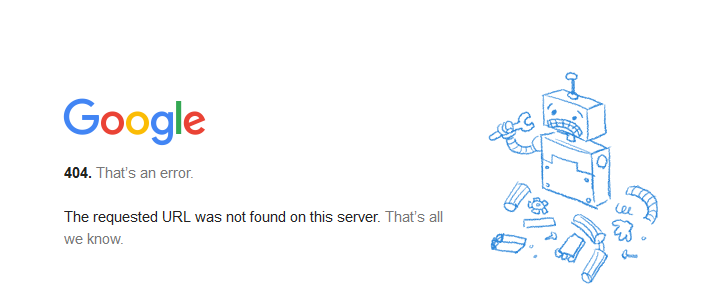
You might be signed into Google with a personal account. Let's try signing out of your Google account and then trying again.
Now go to Xavier intranet site. It should ask you to sign in. Make sure you use your Xavier email account.